


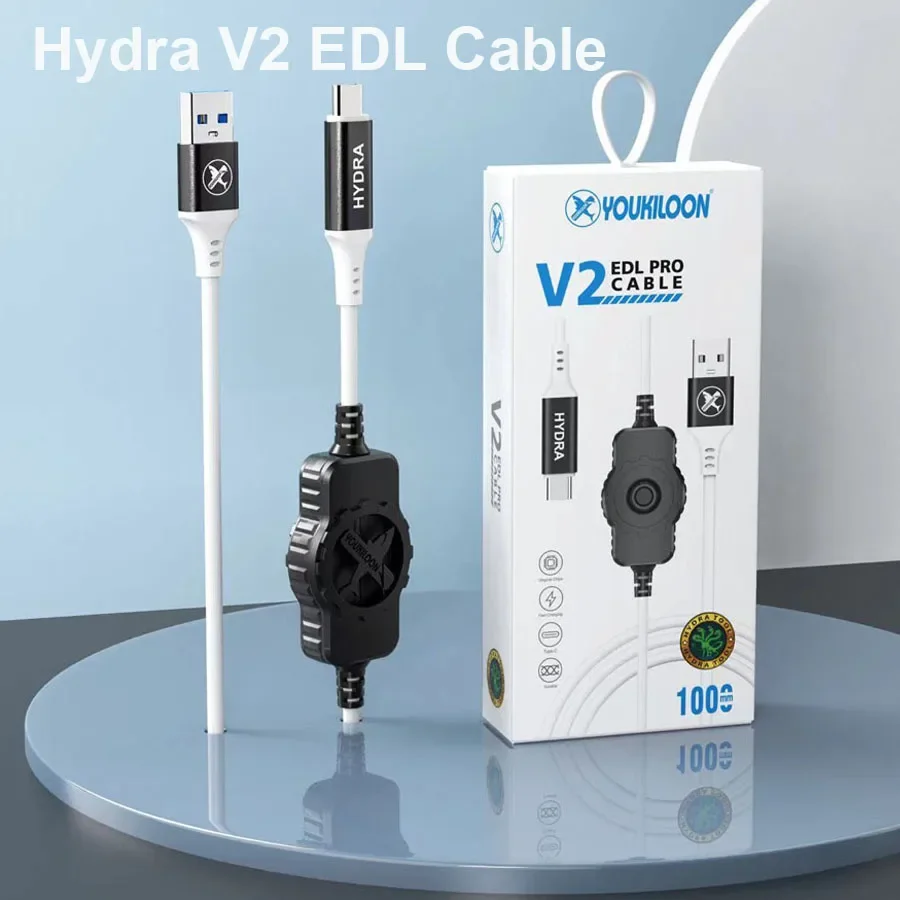
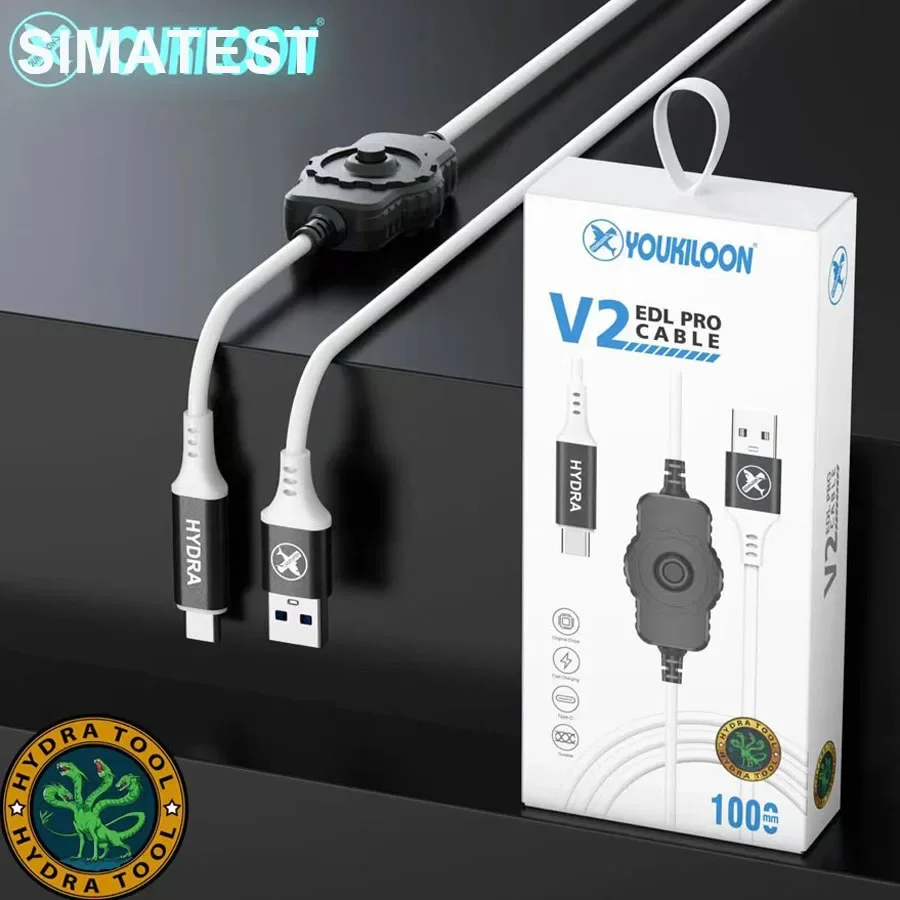
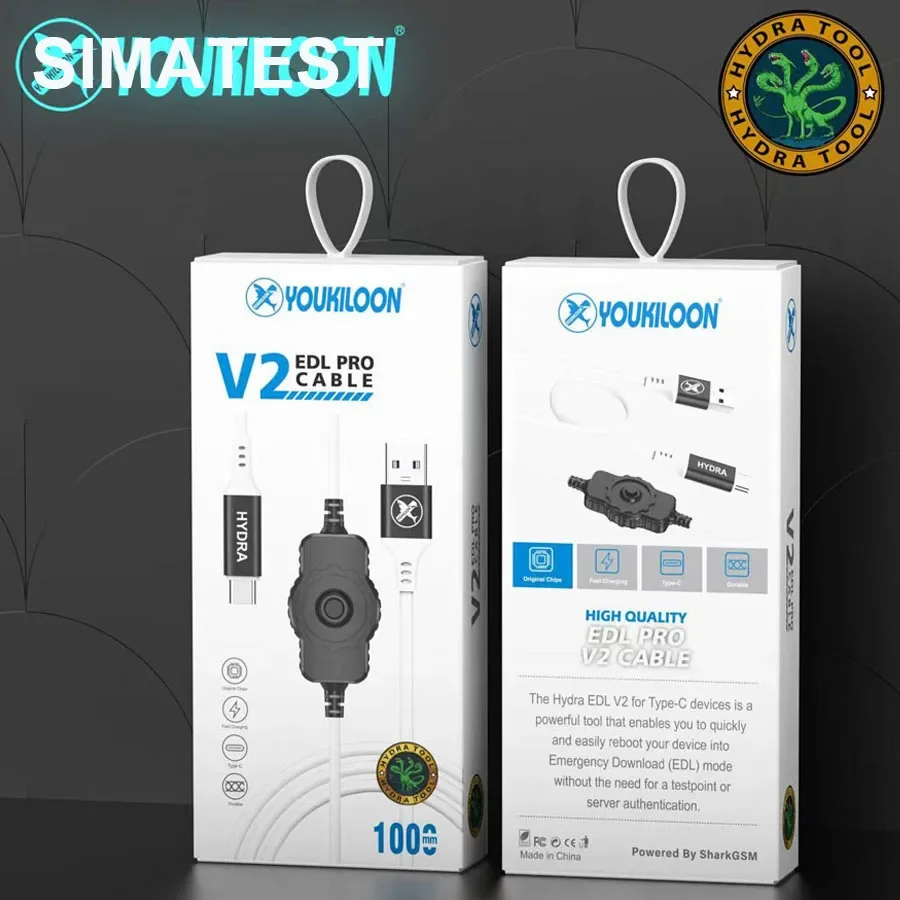
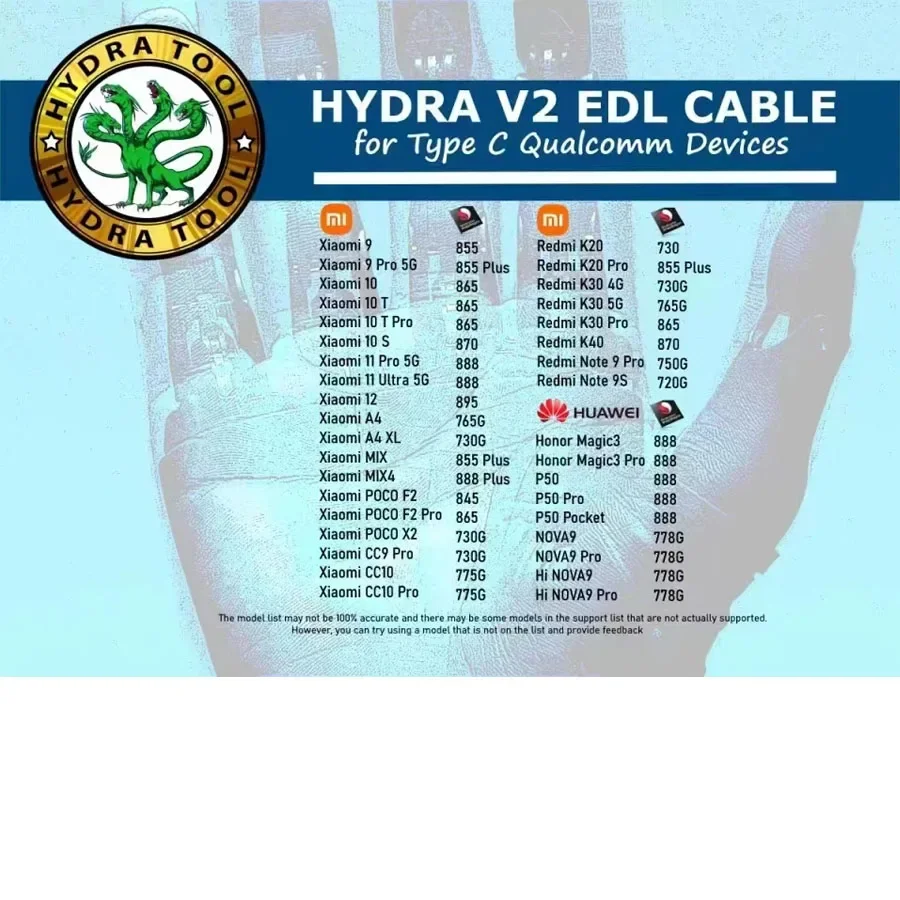
NEW HYDRA V2 EDL PRO Type-C USB Cable for Hydra Dongle Hydra V2 EDL cable for type c Qualcomm devices
14:10#Hydra V2 EDL
Regular price $31.95 Sale price $19.99 Save $11.96SPECIFICATIONS
Brand Name: caius,TULX
Choice: yes
DIY Supplies: Electrical
High-concerned chemical: None
Material: Aluminium alloy
Model Number: Hydra V2 EDL
Origin: Mainland China
Package: Case
Type: Combination
is_customized: Yes
semi_Choice: yes
Product Name : Hydra Tool v2 EDL Cable
Purchase Reminder : Working with DONGLE
NEW Hydra V2 EDL Pro Type-C USB Cable for Hydra Dongle
How to use
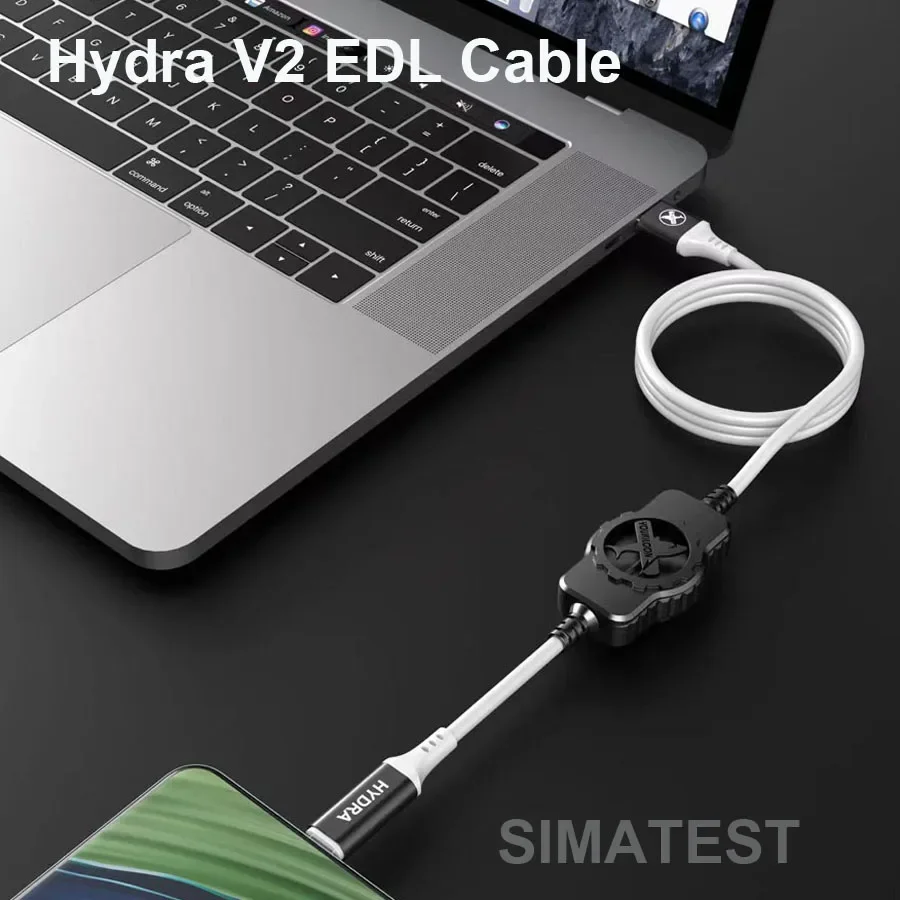
First turn off the phone, press and hold the button on the data cable, and then press and hold the power button on the phone to try to turn it on for about three seconds. The phone will not respond and the screen will remain black, but the 9008 device should be visible on the connected computer. If you want to restart and enter the phone's system: you need to press and hold the power button of the phone for 15 to 20 seconds, and the startup screen will appear. The data cable can be unplugged or not, but do not press the button on the line.
Package Contents
1: Hydra edl v2 Cable - 1 pc